THB
THB USD
USD EUR
EUR GBP
GBP CAD
CAD AUD
AUD HKD
HKD JPY
JPY KRW
KRW SGD
SGD NZD
NZD TWD
TWD 繁體中文
繁體中文 日本語
日本語 한국어
한국어 ไทย
ไทย Français
 Español
 Deutsch
 Português
 italiano
 Nederlands
 English

Smart TV vs. Android TV Box: Which Is Better for Your Home Entertainment?

But which option is better? Do you really need a TV Box if you already own a Smart TV? And is a TV Box a good way to upgrade an older television?
In this guide, we will explain the differences between Smart TVs and TV Boxes, compare their advantages, and help you decide which solution best fits your home entertainment needs.
1. What Is a Smart TV?
A Smart TV is a television with an integrated operating system and internet connectivity. It allows users to access supported streaming applications and online entertainment services without connecting an additional device.
Depending on the brand and model, a Smart TV may offer features such as:
-
Built-in Wi-Fi or Ethernet connectivity
-
Access to supported streaming apps
-
Online video playback and music services
-
Screen mirroring or casting
-
Voice control and smart home integration
Smart TVs are convenient because most of their essential functions are built into the television itself. You usually only need to connect the TV to the internet, configure your settings, and sign in to the services you want to use.
However, not all Smart TVs offer the same experience. App availability, system performance, storage capacity, and software support vary by manufacturer and model. Some older televisions may no longer receive software updates, while certain applications may not be available on a particular operating system.
2. What Is an android TV Box?
A TV Box is an external device that connects to a television, usually through an HDMI port. It provides its own hardware and software environment for accessing compatible applications and digital entertainment.
An Android TV Box, for example, can offer internet connectivity, app support, video playback, and additional entertainment features, depending on its operating system and software.
Common advantages include:
-
Adding smart features to a compatible older television
-
Accessing supported applications through a separate device
-
Using a dedicated interface and remote control
-
Upgrading certain hardware capabilities without replacing the TV
-
Keeping the television and entertainment device separate
One important point is that not every Android TV Box is the same. Some devices run certified Android TV or Google TV, while others use different Android-based systems. Their app compatibility, user experience, and supported services can differ significantly.
Before buying, check the device's operating system, supported applications, network requirements, and software update policy.

3. Smart TV vs. TV Box: What Are the Main Differences?
Although both options can provide internet-connected entertainment, they work in different ways.
Convenience: A Smart TV offers an all-in-one solution with built-in smart functions. A TV Box requires an additional device and an available HDMI port, but it can provide a separate entertainment interface.
Performance: The performance of a Smart TV depends on its built-in hardware. A TV Box may offer an alternative when an older television's smart interface has become slow. Actual performance depends on the specifications and software of the device.
App compatibility: Smart TVs support applications available for their specific operating systems. A TV Box may provide access to a different selection of compatible apps, but no single device supports every streaming service or application.
Upgrade flexibility: Replacing a television can be expensive. If the screen still works well, connecting a suitable TV Box may be a more economical way to add new entertainment features.
Cost: Smart TVs vary widely in price. TV Boxes are available at different price points, allowing you to upgrade some functions without purchasing a completely new television.
Ultimately, the better option depends on your current television, preferred content, budget, and the applications you want to use.
4. Why Add a TV Box to an Existing Smart TV?
You might wonder why anyone would need a TV Box when a Smart TV already connects to the internet.
There are several reasons to consider one.
Access to a Different Selection of Apps
Your television's built-in operating system may not support every application you want to use. A compatible TV Box can provide access to a different range of apps and entertainment services.
Always check the specific device's compatibility before purchasing, especially if you rely on a particular streaming platform.
A More Flexible Entertainment Setup
A TV Box operates separately from your television. This means you can change or upgrade the external device without replacing the entire TV.
For households that use their televisions for movies, TV programs, online videos, and other digital content, this flexibility can be useful.
A Practical Upgrade for Older Televisions
If your older television still delivers good picture quality but lacks modern internet features, a TV Box may help extend its usefulness.
As long as the television has a compatible HDMI connection and supports the required display output, you may be able to enjoy additional digital entertainment without investing in a new screen.
Keep in mind that a TV Box does not automatically improve the television's physical display resolution, brightness, or panel quality.
5. How to Choose the Right TV Box for Your Home
Not sure what to look for when shopping for a TV Box? Consider these important factors.
Processor and memory: Hardware specifications affect responsiveness, multitasking, and overall performance. Choose a device suited to your intended use.
Storage capacity: More internal storage can be helpful if you plan to install multiple compatible applications.
Wi-Fi and connectivity: Check Wi-Fi support, available ports, Bluetooth compatibility, and whether a wired network connection is available.
Video compatibility: Make sure the device supports your television's resolution and the video formats you want to watch. Marketing terms such as 4K, 6K, and 8K should not be treated as interchangeable.
Remote control and interface: A straightforward menu and comfortable remote can make daily use easier, especially for families and older adults.
Software support and warranty: Review the seller's authenticity, warranty terms, update policy, and after-sales support before placing an order.
Application requirements: Confirm whether your preferred streaming services are supported and whether they require separate subscriptions or user accounts.
Taking the time to compare these details can help you avoid purchasing a device that does not meet your expectations.
6. Is the Unblock UBOX12 PRO Worth Considering?
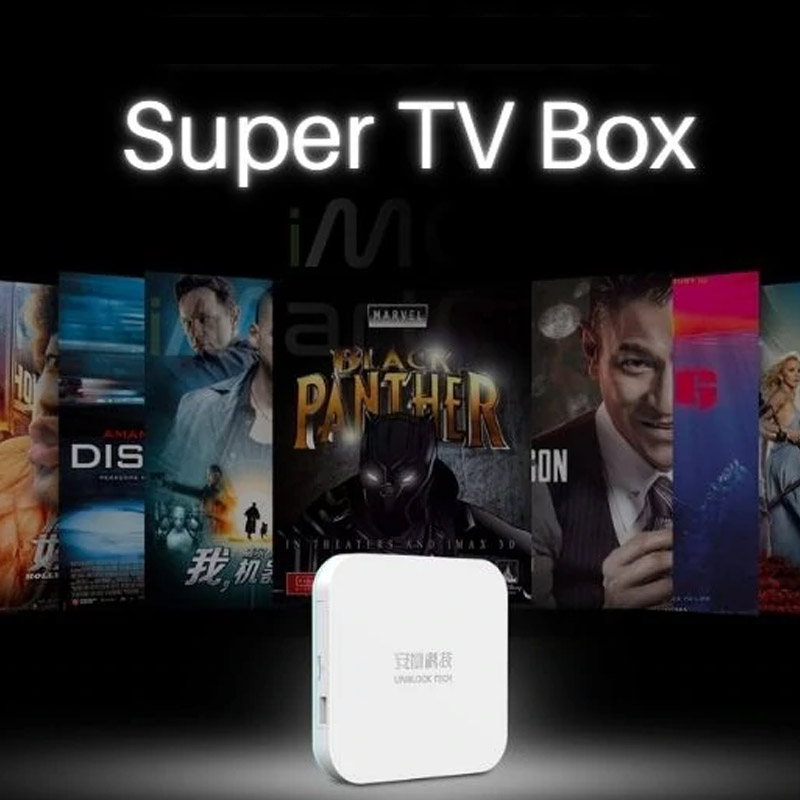
For households looking for an external entertainment device, the UBOX12 PRO from Unblock Tech is one option to explore.
It is designed for users who want a dedicated TV Box experience rather than relying entirely on their television's built-in smart system. According to its listed specifications, the device features 4GB of RAM, 64GB of storage, Wi-Fi 6, and an AI voice remote control.
These features may appeal to users who value connectivity, storage space, and convenient navigation.
Before making a purchase, consider your television's compatibility and the content you want to access. You should also review the device's supported applications, warranty coverage, and regional availability.
Buying from an authorized seller is particularly important because the product version, included accessories, warranty terms, and after-sales support can vary between sellers.
If you are comparing different models, take time to verify the exact model name and the warranty offered with your order.
7. Which Is Better for Different Households?
A Smart TV may be the better choice if you want a simple, all-in-one television and its built-in applications meet your needs.
A TV Box may be more suitable if you want to add smart features to an older television, explore a different selection of compatible applications, or keep your entertainment hardware separate from your TV.
For families, a user-friendly interface and easy remote control can be important. For people living overseas who want access to familiar entertainment, checking language options, regional compatibility, and supported content is especially worthwhile.
There is no universal winner. The right solution is the one that fits your budget, viewing habits, and technical requirements.
Smart TVs and TV Boxes serve similar purposes, but they offer different approaches to home entertainment. A Smart TV provides an integrated solution, while a TV Box adds a separate platform that may offer greater flexibility for certain households.
If your current television still works well, you do not necessarily need to replace it to explore additional entertainment options. A compatible TV Box could be a practical alternative.
Before deciding, compare specifications, application compatibility, connectivity, warranty coverage, and customer support. With the right setup, you can make better use of your television and create a home entertainment experience that suits your family.
Ready to explore your options? Visit UnblockTechTVBox.com to learn more about the UBOX12 PRO and discover whether it is the right fit for your home entertainment needs.